



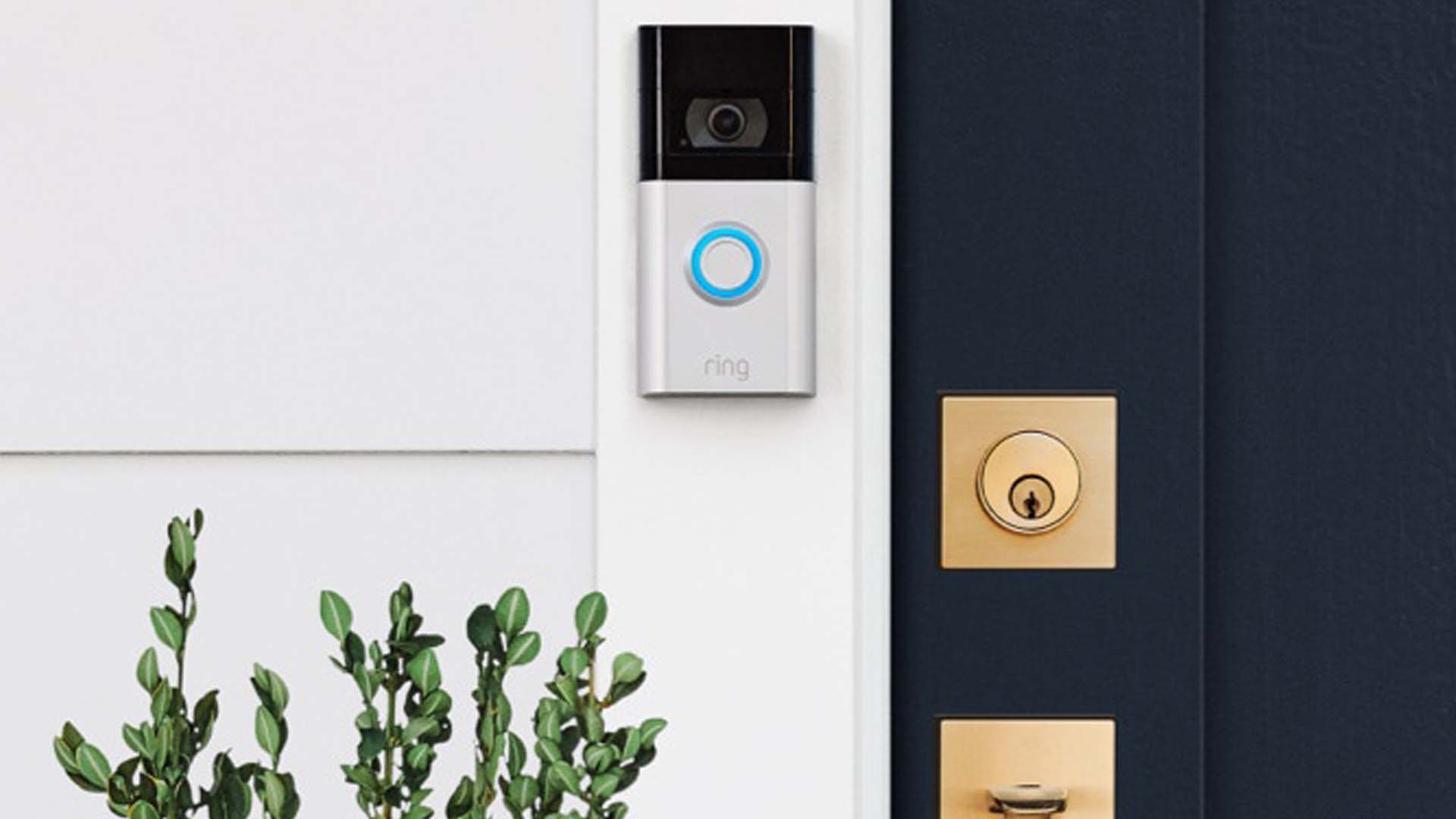






Ring, a home security and smart home company, is joining the celebration with new Halloween-themed Quick Replies, creative faceplates, and chimes for Halloween season.
The ringtones were released in mid-September and will be replaced by holiday-themed ringtones before the end of the month.
This October, you may change the tone of your Ring Video Doorbell’s internal chime to various tones including a shrieking cat, a creaking door, or spooky laughter.
Ring introduces a unique trick as an added bonus this year to boost the spooky ante such as a variety of quick responses, a free functionality that lets your doorbell answer for you.
However, the new Quick Replies are sent directly from the doorbell rather than through the Ring Chime that can cause a higher scare factor.

Except for the base model Ring Video Doorbell Wired, all Ring doorbells have the Quick Replies function. Additionally, Quick Replies are set up via the Ring App, which is also where you can change your chime’s ringtone.
With all Quick Replies, you can watch your visitor leave a message in Live View or in your event history if you’re a Ring Protect subscriber.
Here’s how to set up your Ring’s quick replies:
- Open the Ring app.
- Tap the three lines on the top left.
- Tap Devices.
- Select the doorbell that you want to set up.
- Tap the Smart Assistant tile below the doorbell image.
- Tap Quick Replies.
- Tap the blue Enable Autoreply button on the bottom of the screen.
- Select your preferred default message from the list.
- Set your message delay time from Right away to 20 seconds.
- Tap Got It! to complete the setup.
Here’s how to change your Ring’s chime to spooky tone:
- Open the Ring app.
- Tap the three lines on the top left.
- Tap Devices.
- Select the doorbell that you want to set up.
- Tap the Audio Settings icon.
- Under Audio Settings, select Chime Tones.
- Select your preferred Chime Tone.
- Select Save Changes.
Source: https://ring.com/doorbell-cameras
Photo Credit: https://ring.com/products/video-doorbell-3-faceplate