







From Personal Blog To Lifestyle Voice: The Rise Of When In Manila

A return home sparked an idea that would eventually grow into one of the country’s most recognizable lifestyle platforms. Vince Golangco reflects on the early days of When In Manila. #PAGEONESpotlight_VinceGolangco #PAGEONESpotlight_WhenInManila

Women In Fintech: How Tala’s Shivani Siroya Is Changing The Future Of Credit To Advance Financial Inclusion

Women leaders continue to reshape industries by bringing new ideas and perspectives that challenge long-standing systems. Their innovations are creating solutions that impact communities worldwide.

Nestlé Philippines Honored With Special Citation, Partners Leadership Award For Advancing EPR Systems

Sustainability initiatives are encouraging both businesses and communities to participate in improving waste recovery systems.

Vivant Water Acquires Majority Stake In Puerto Princesa Wastewater Facility

Vivant Water strengthens its role in wastewater management with a larger stake in Puerto Princesa’s treatment facility, supporting long-term environmental solutions and sustainable urban development.

GCash Is Now Available As A Payment Method For The App Store And Other Apple Services In The Philippines

GCash Is Now Available As A Payment Method For The App Store And Other Apple Services In The Philippines

327
327

How do you feel about this story?

Like
Love
Haha
Wow
Sad
Angry

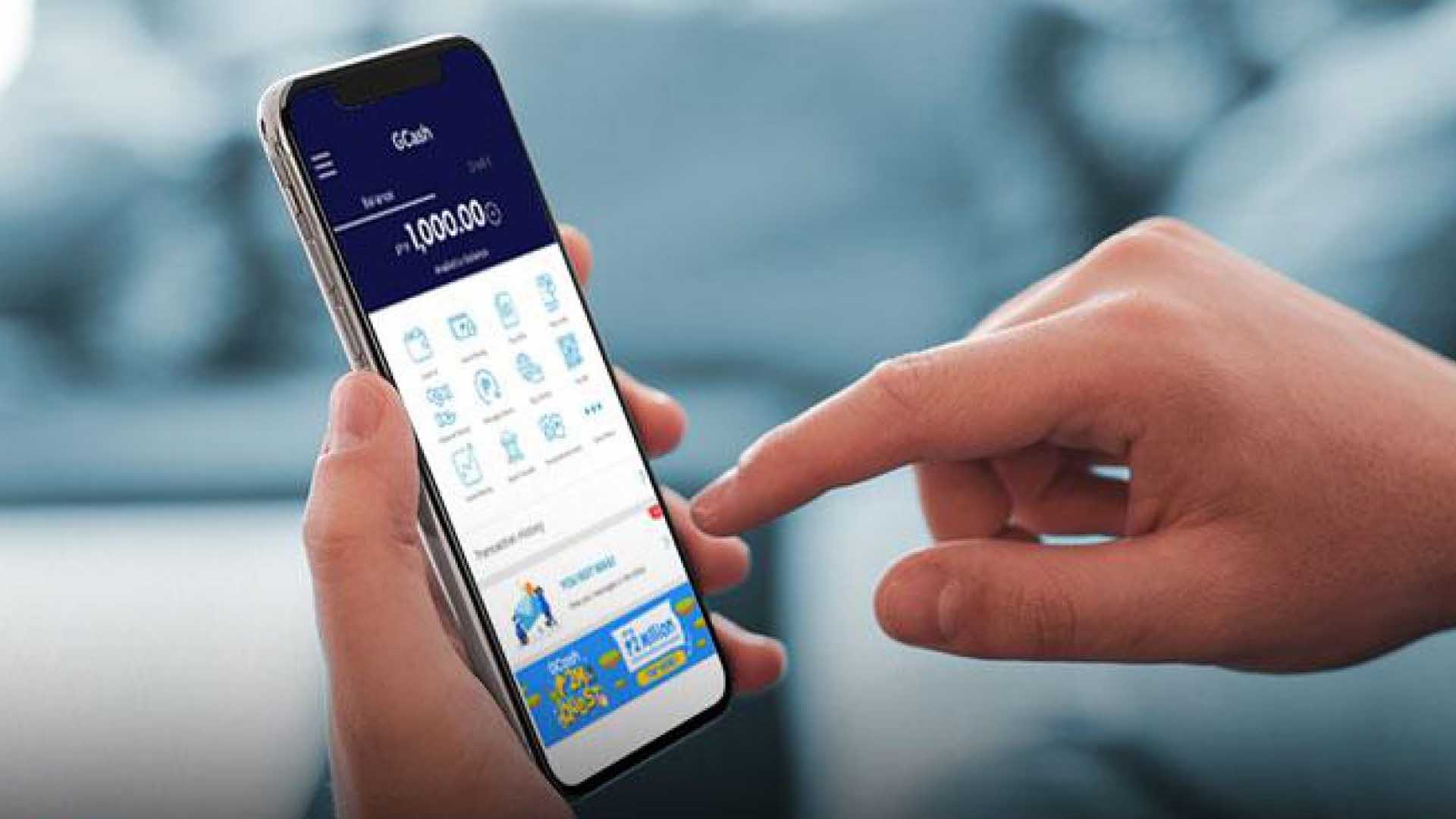
GCash is now available as a payment method for Apple services in the Philippines. Customers can use their GCash account to pay for App Store, Apple Music, Apple TV app, and iTunes Store purchases, iCloud storage and more.

The addition of GCash as an Apple ID payment method offers a new way to pay for Apple services without needing a credit card and still allows for easy, one-tap purchasing from all Apple devices. GCash does not share your account information with Apple, making it simple and private.

Customers can manage their Apple ID payment information in Settings on iPhone, iPad and iPod touch, or on their Mac or PC.

For more information on how to add GCash as a payment method, please visit https://www.gcash.com/apple-services and http://www.wearegcash.com/.

To Link GCash to your Apple ID now, please click here.